Get Started
Install
Install Proliferate, connect your agents, and confirm your setup.
Proliferate is available for macOS. Install the app, then let Proliferate check that your machine can run workspaces and coding agents.
Download for Mac
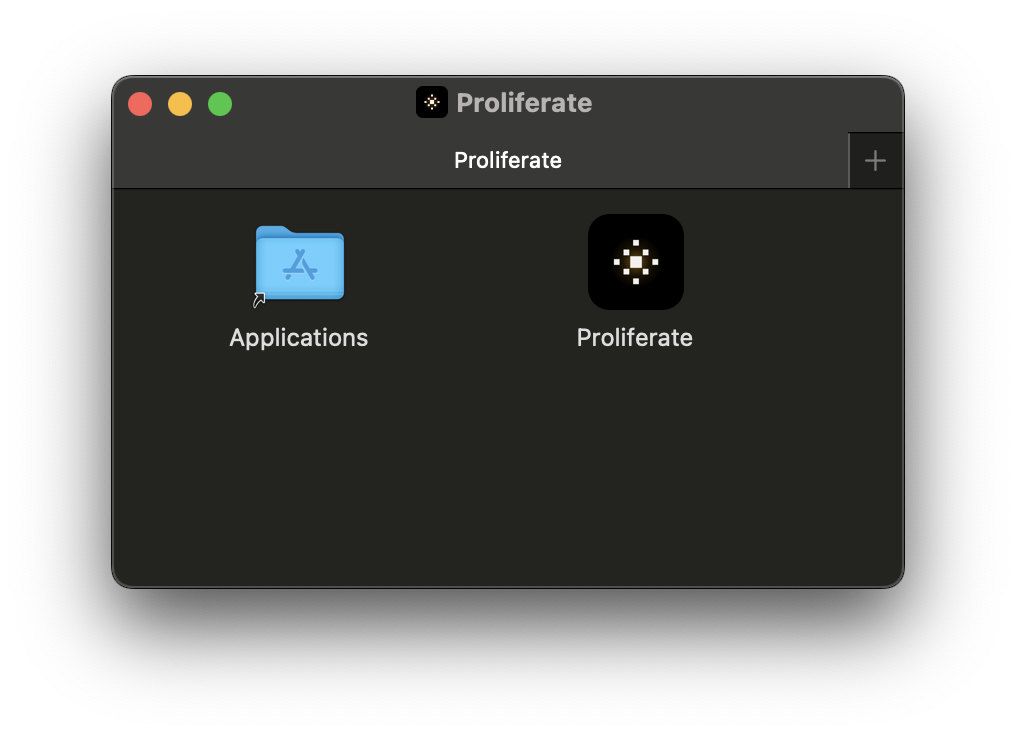
- Press Command D or click Download in the top right.
- Drag Proliferate to your Applications folder.
- Open Proliferate.
Setup checks
When Proliferate opens, it checks the local tools needed for agent work.
Proliferate checks for:
- Git and repository access.
- GitHub authentication when you use GitHub repositories or pull requests.
- Claude Code login when you use Claude Code.
- Codex login when you use Codex.
- Gemini credentials when you use Gemini.
- Runtime readiness.
You need Git and at least one configured coding agent to use local workspaces. Cloud workspaces may also need synced agent credentials.
Agent credentials
Local agent credentials stay on your machine unless you explicitly sync them for cloud workspaces.
For local work, sign in with each agent's own CLI or provider flow. For cloud work, Proliferate can sync the credential material needed to make the remote environment behave like your local setup.
Next step
Create your first workspace.