Get Started
Your first Cowork task
Start your first Cowork thread, review the response, and keep the useful output.
Cowork is the fastest way to give Proliferate a piece of work without requiring an associated Git repo. The thread can answer questions, use your plugins, and produce Proliferate Artifacts.
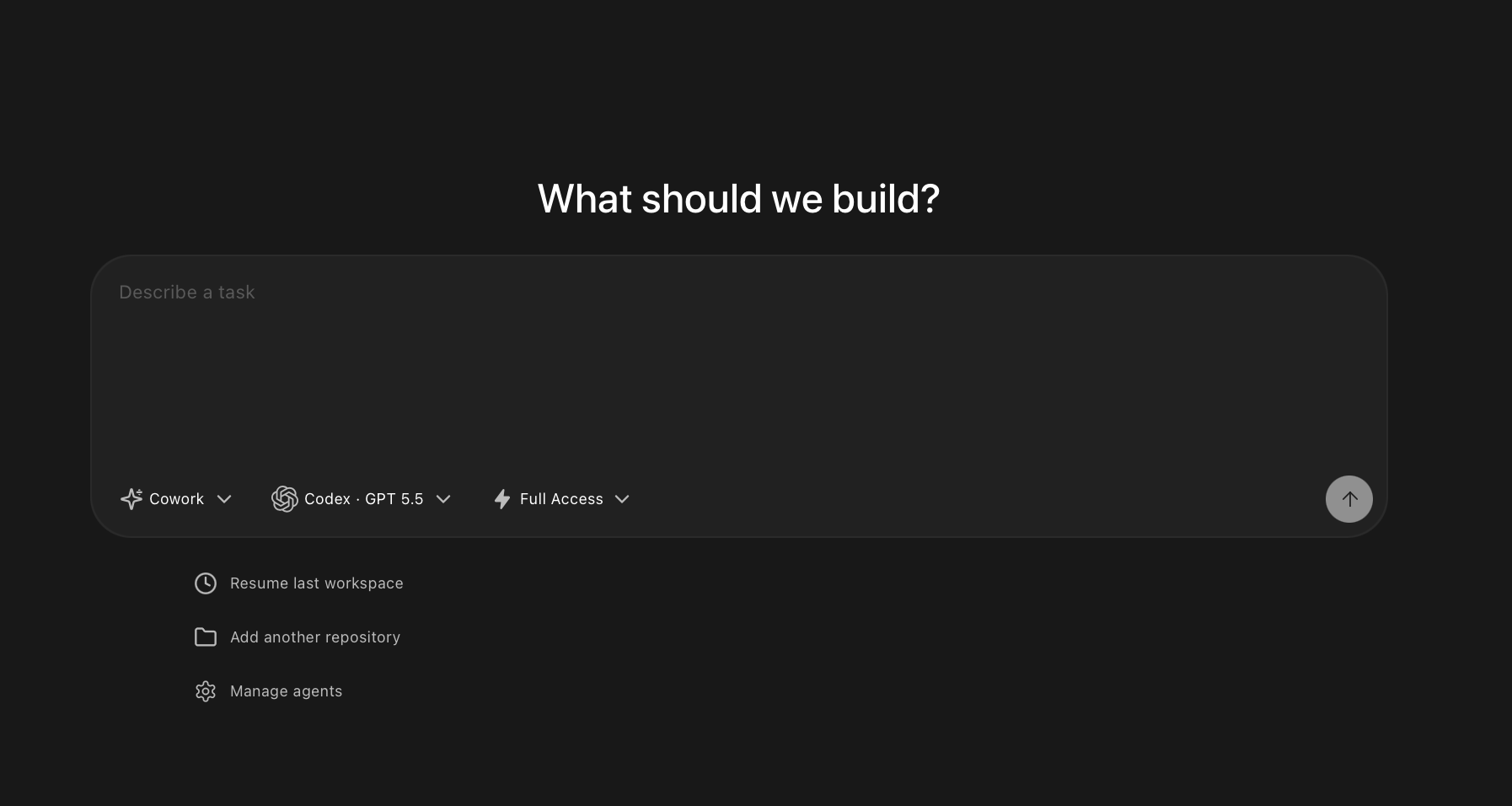
Start from Cowork
From the home screen, leave the target set to Cowork and describe what you want.
Cowork starts a new thread. That thread appears in the sidebar under Threads, so you can come back to it later.
Use Cowork when you want to:
- Start without choosing a GitHub repository.
- Create an artifact from rough context.
- Turn notes into a plan, report, launch note, or spec.
- Ask a product, architecture, or codebase question before deciding where the coding work should happen.
- Compare approaches before opening a repository workspace.
Create artifacts
Cowork can create artifacts inside the thread.
Use artifacts for outputs that should be easier to inspect than a chat message:
- Implementation plans.
- Release notes.
- Reports.
- HTML previews.
- SVGs or diagrams.
- React artifacts.
Ask for the artifact directly when you know the format you want:
Review artifacts
The Cowork thread is the conversation and coordination surface.
In the thread, you can review:
- The agent's answer.
- Created or updated artifacts.
- The rendered artifact preview.
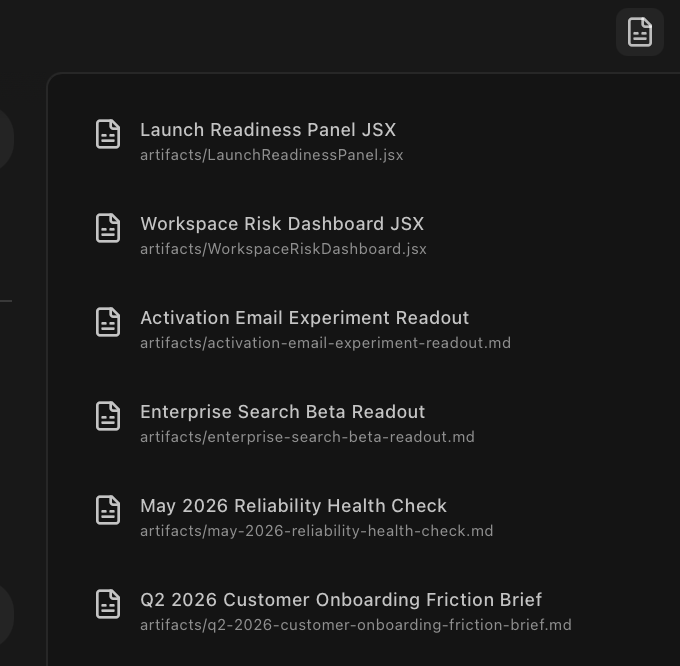
Open the artifact panel to inspect what the thread produced. Ask for revisions in the same thread when the artifact is incomplete or off target.